Battle-tested daily systems to eliminate digital burnout, structure client databases, master calendar time-blocking, track billable hours, and protect deep creative flow.
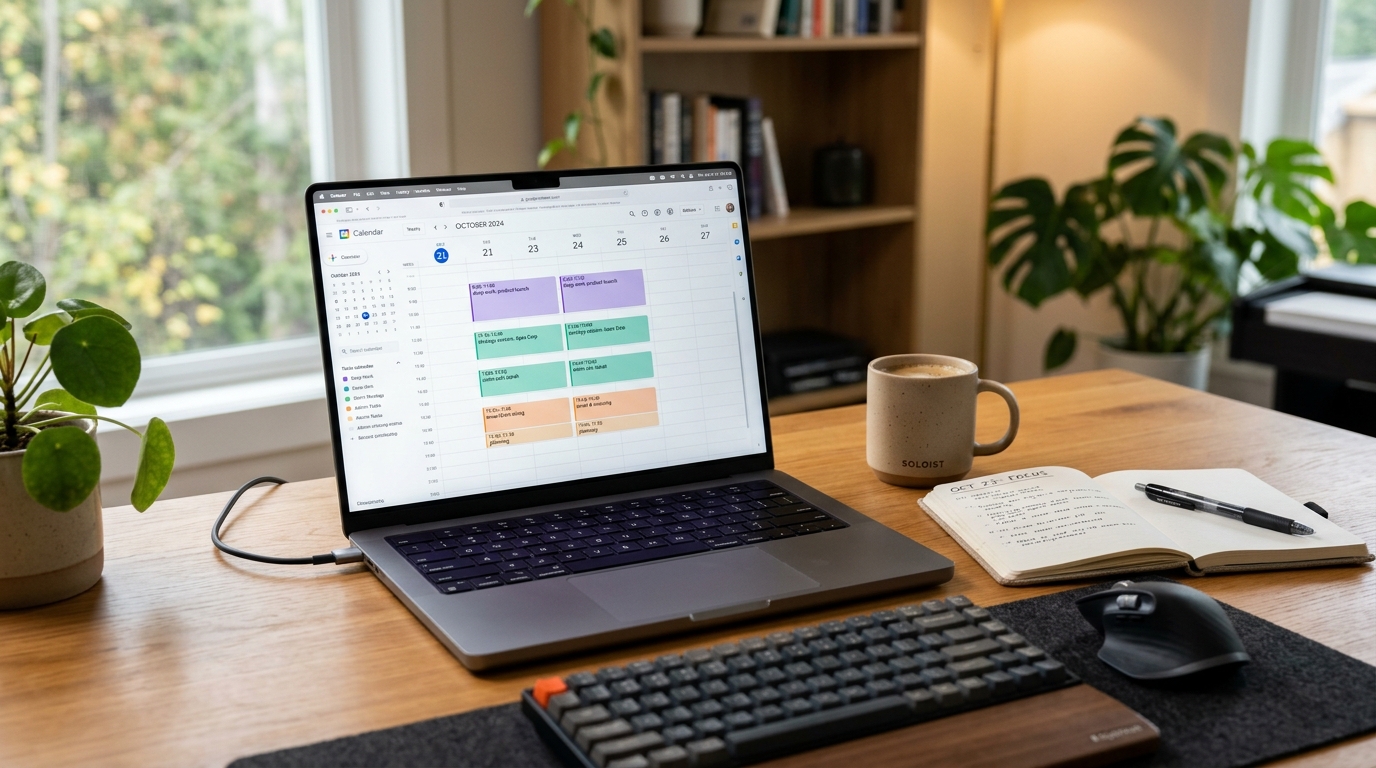
A complete, step-by-step walkthrough showing how I use Google Calendar time blocking to eliminate decision fatigue, protect deep work hours, and run my business with zero burnout.
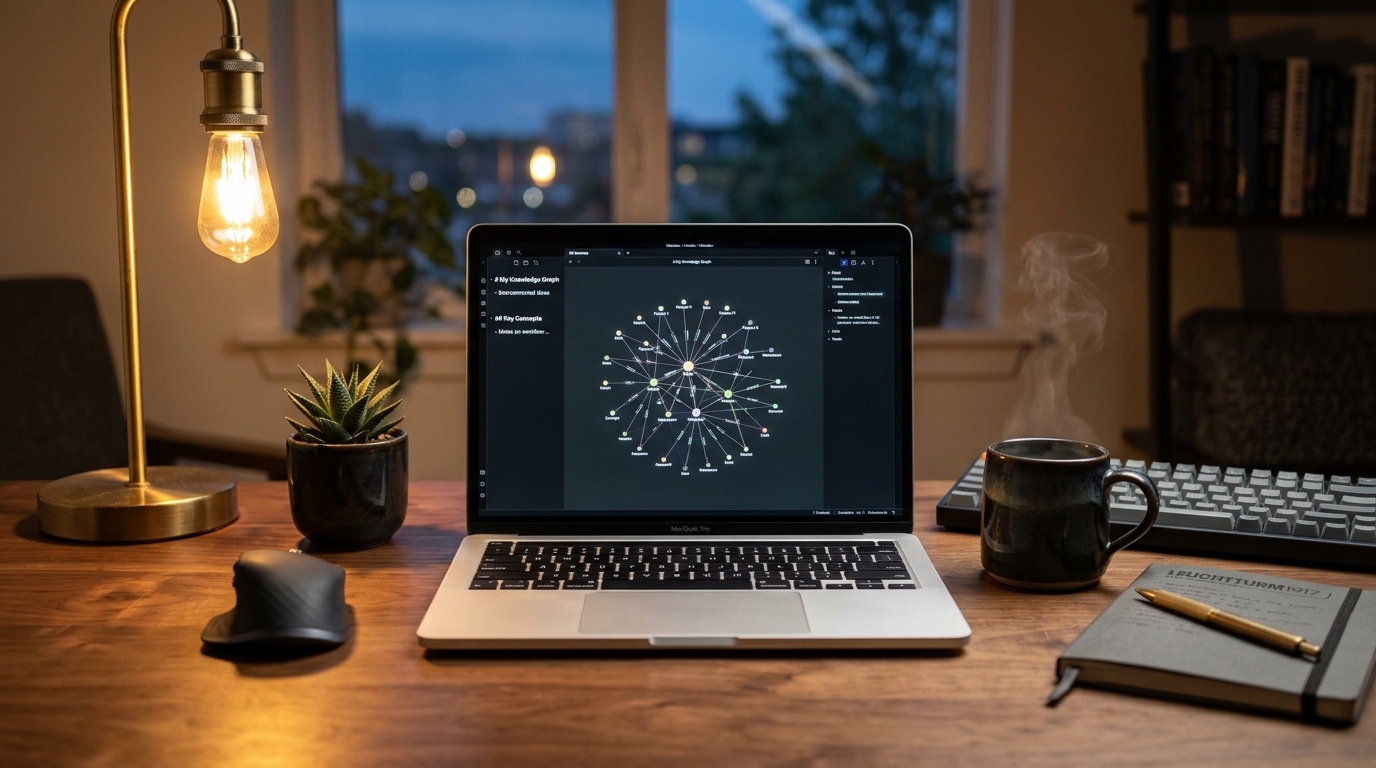
A complete beginner's guide to setting up Obsidian as a private, offline second brain. Learn how to connect daily notes, master bidirectional wikilinks, and organize knowledge with zero monthly fees.
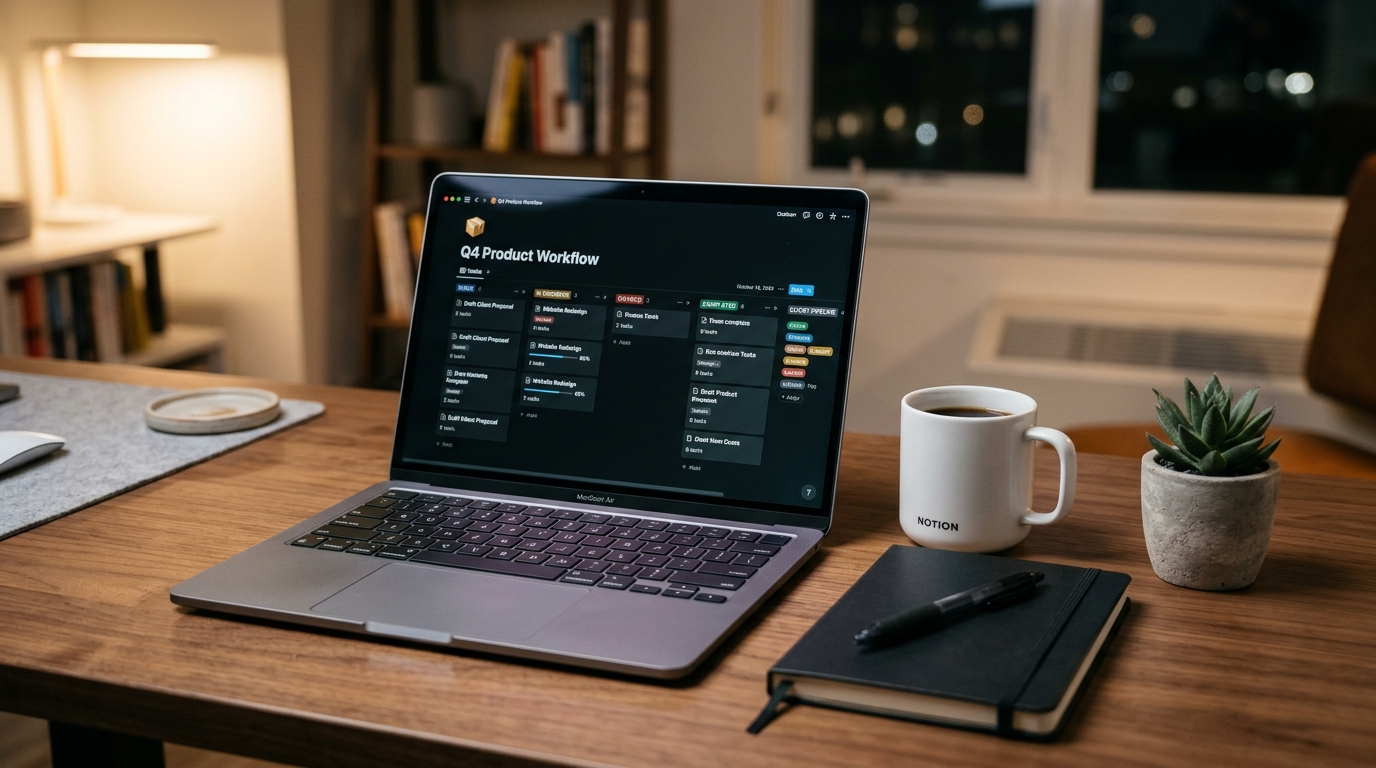
An exhaustive, step-by-step walkthrough showing how I built a minimalist, zero-clutter Notion workspace for managing clients, deliverables, and daily tasks using 100% free relational databases.
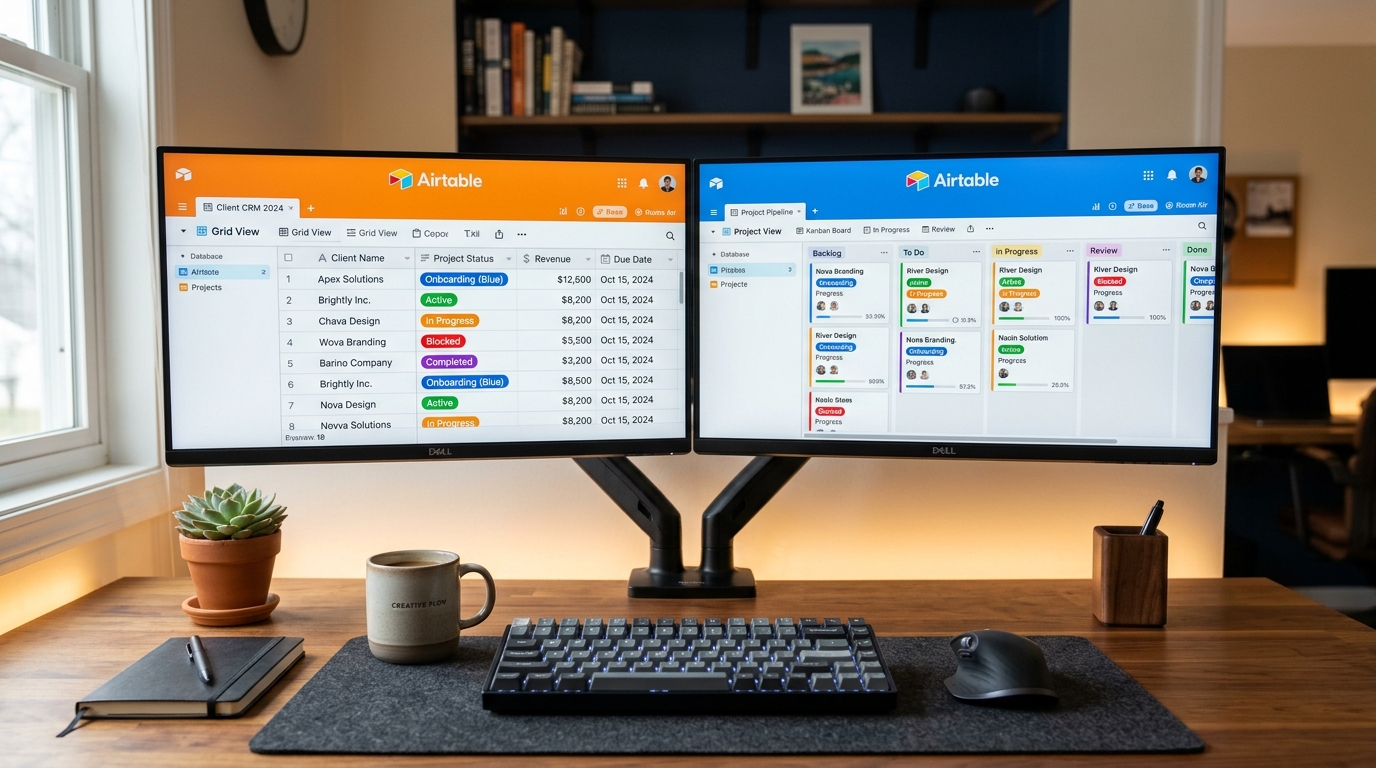
A practical, no-code guide to building your first custom client and project tracker in Airtable from scratch in 12 minutes, using 100% free relational tables.
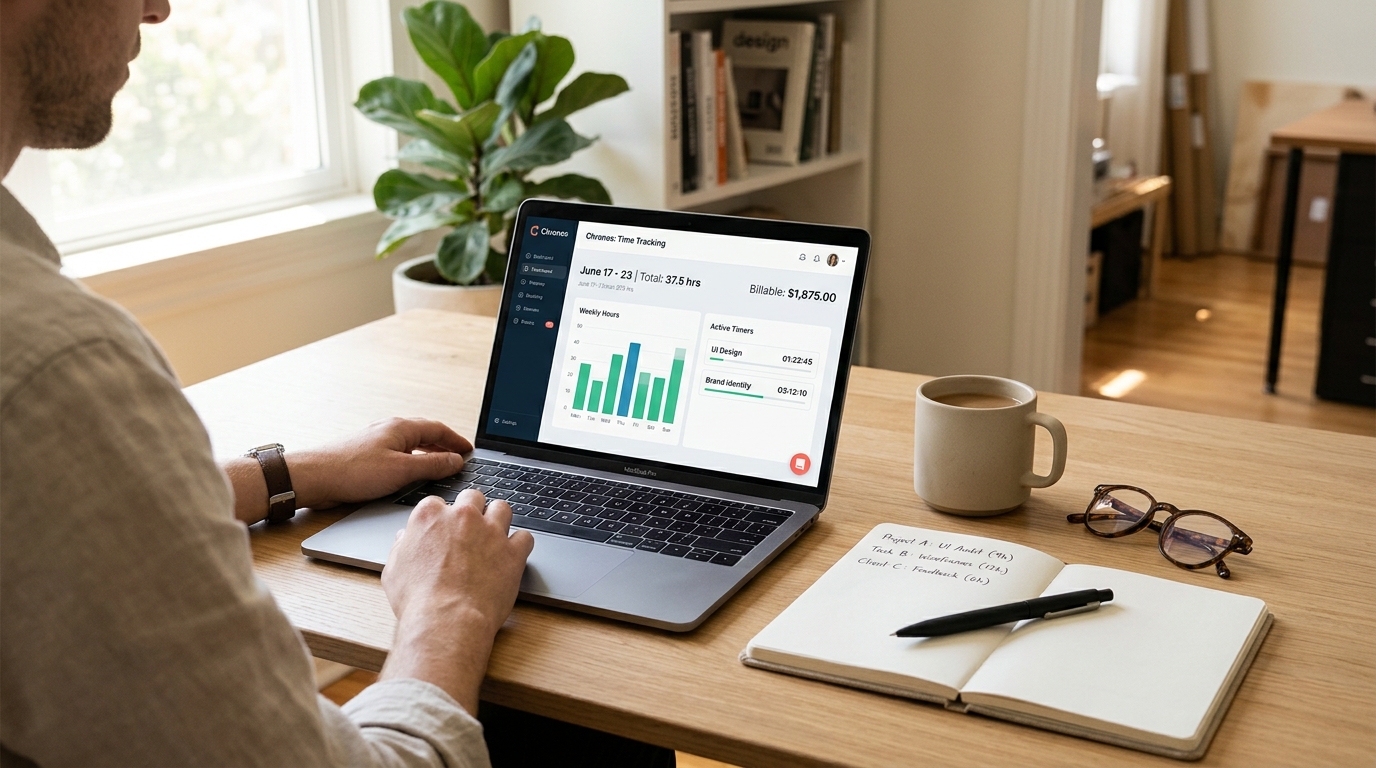
Stop losing unbilled hours and ending up in client payment arguments. Exhaustive guide to setting up 100% free time tracking, billable rate cards, 15-minute rounding rules, and 1-click audit PDFs on Clockify.
Why checking notifications within 10 minutes of waking up ruins your daily cognitive capacity. Step-by-step verified guide to building a disciplined morning monk mode routine for solo creators and developers.
Why switching from 10 digital productivity apps to a physical 3x5 index card and pocket notebook eliminated mental fatigue, ended tab overload, and doubled deep work output for a solo developer.
By Himanshu Tyagi
❓ Frequently Asked Questions on Productivity Systems
How do I choose between Notion, Obsidian, and Airtable?
Each tool serves a distinct role in a modern productivity stack: Airtable is a structured relational database ideal for managing client deliverables and tracking invoices. Notion is best for collaborative project wikis and visual Kanban boards. Obsidian is best for private, offline, long-term personal knowledge notes and research linking with zero cloud lock-in.
Why do most calendar time-blocking routines fail after a few days?
The number one mistake is over-scheduling without margin. Real daily life brings unexpected interruptions. To make time-blocking sustainable, never schedule back-to-back blocks without breathing room. Always schedule a 30-minute daily "Catch-Up / Overflow" block in the late afternoon.
What is "Monk Mode" and how does it prevent digital burnout?
Monk Mode is a morning deep work protocol where you protect your brain's highest-energy dopamine window. By staying off screens for the first 60 minutes after waking and completing a 90-minute single-task focus block before opening emails or messaging apps, you accomplish your hardest daily goal before distraction can begin.
Why use physical index cards or notebooks alongside digital apps?
Digital task apps offer infinite scroll, which leads to overwhelming 50-item backlogs. A 3x5 physical index card creates healthy spatial friction: it physically forces you to pick only 3 to 5 critical priorities for the day. Striking them through with ink provides tangible psychological closure.
How does Clockify help freelance solopreneurs increase their revenue?
Freelancers frequently lose 15-20% of their actual billable time to unrecorded micro-tasks (quick client emails, scope changes, phone calls). Using Clockify's free timer paired with a standard 15-minute minimum increment rule ensures every minute of intellectual labor is accounted for and billed transparently.
About Our Productivity & Workflow Systems
At TyagiHub, we believe real productivity is about imposing healthy friction, physical boundaries, and daily prioritization rather than collecting 20 different task apps. From analog index card setups and 90-minute morning focus sprints to relational client tracking in Airtable and Notion, our guides provide practical frameworks you can implement today.
Need guidance on organizing your freelance workflow? Connect with Himanshu Tyagi through our Contact Page or write to contact@tyagihub.in.